
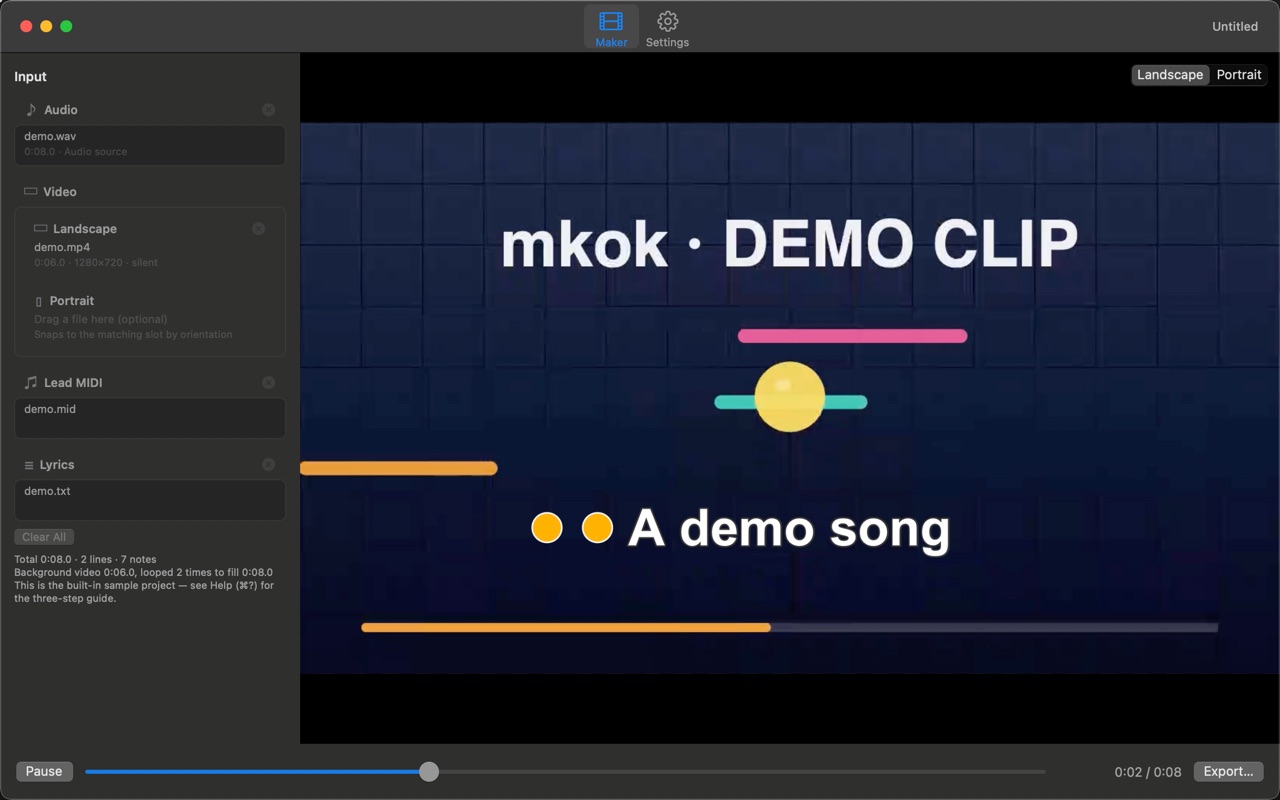
1. Lyrics sweep in word by word, in time with the music.
Give it a lead-melody MIDI exported from your arrangement and a lyric file, and mkok lines the lyrics up against the note onsets so the words light up one by one, like a karaoke machine. One Chinese character or one word counts as one unit, matched strictly in the order the notes appear.
2. Lay it over a background video of your own.
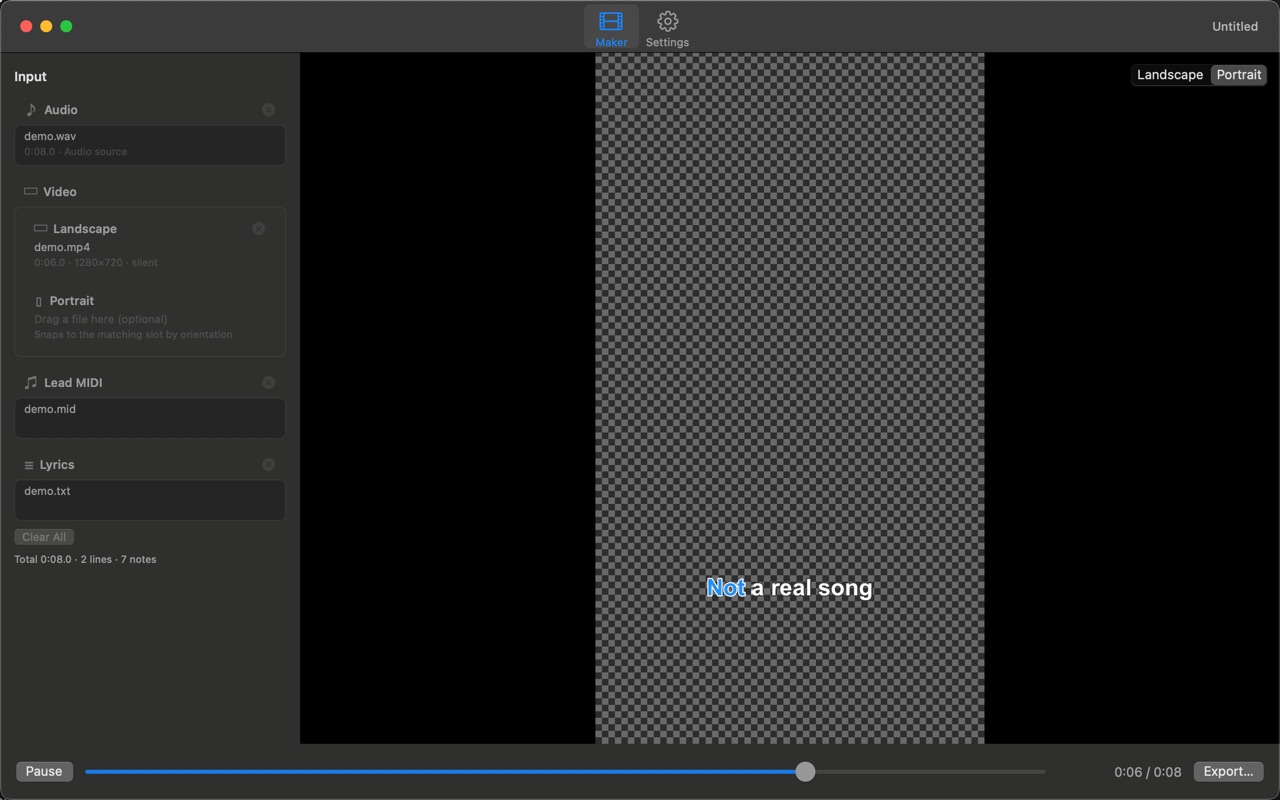
One background video each for landscape and portrait, filed automatically by orientation. Or use audio alone and export a clean caption layer. When you supply a separate audio file, the video's own soundtrack is dropped rather than mixed in.
3. Export the caption layer with a transparent background.
Besides a burned-in .mp4, mkok writes a ProRes 4444 master with a real alpha channel, so the captions are a layer you can drop on top of any footage. After export it reads the file back to verify the alpha is actually there.
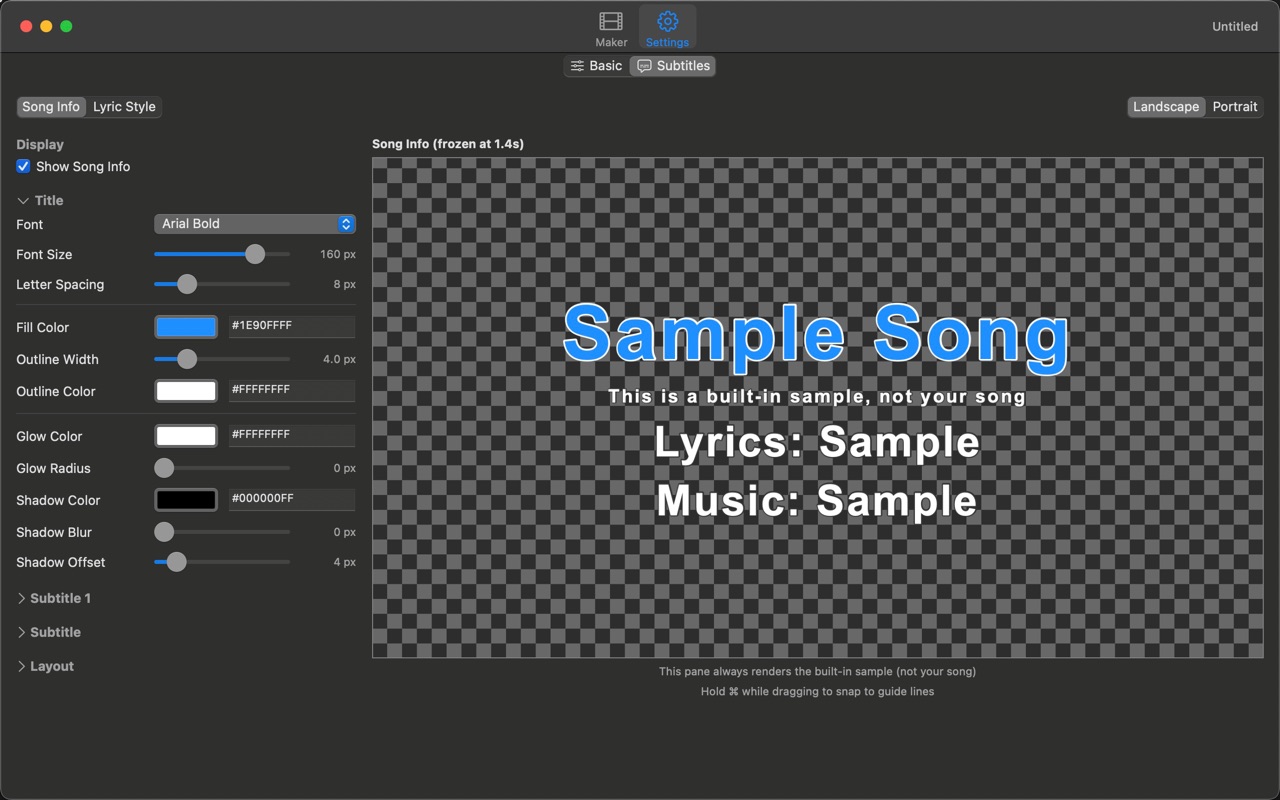
4. Everything on screen is adjustable.
Font, size, letter spacing, line spacing, colour, outline, gradient, glow (with flicker and breathing), shadow, per-character motion, countdown, particles. Size, spacing and position are stored separately for landscape and portrait.
5. What you see is what you get.
Preview, transparent export and burned-in export all run through the same renderer, so what you tune in the preview is what lands in the file. No "looked fine until it exported".
6. Your media never leaves your Mac.
mkok never uploads or collects your data; all media processing happens on your Mac. The only network communication is Apple's in-app purchase (buy / restore), processed by Apple — mkok never receives your payment details. No account, no analytics, no ads.

Free download for macOS: importing, previewing, editing the style, and saving or opening projects are free; export (ProRes 4444 and H.264) is a one-time purchase that unlocks it permanently. The built-in sample project exports free while its inputs are unchanged.
Note: windows mkok sha256sum: daf91962ac1484e9b4734fd03fe4e170ad16195f6dc4b1f9d13fe88212a1a439 price: RMB 58
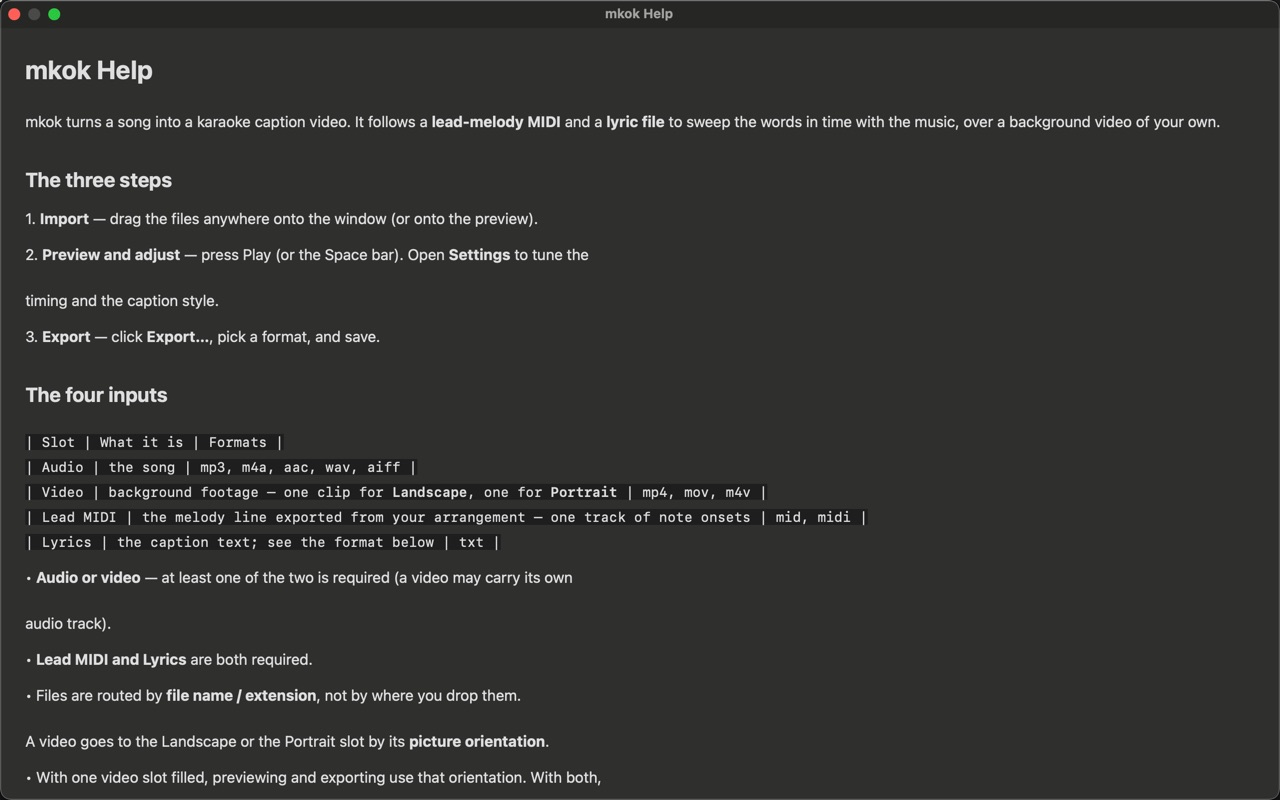
Audio: mp3 / m4a / aac / wav / aiff — or a video that carries its own soundtrack. At least one of the two.
Lead-melody MIDI: the melody track exported on its own from your arrangement (mid / midi). Required.
Lyrics: txt, read as UTF-8 or GB18030. One Chinese character or one word counts as one unit, matched one-to-one against the MIDI note onsets.
Background video (optional): one each for landscape and portrait, mp4 / mov / m4v, filed automatically by orientation.
Drag your files anywhere onto the window — onto the preview works too.
Canvas: landscape 1920x1080, or portrait 1080x1920.
Master: ProRes 4444 (.mov) with a transparent background, ready to composite.
Share version: H.264 (.mp4) with the captions burned in, ready to post. .mp4 cannot hold transparency — export .mov if you intend to composite.
Audio: your soundtrack passes through untouched inside the .mov (mp3 stays mp3); .mp4 re-encodes it to AAC. Audio and video can each be included or left out.
A size estimate sits under the format menu before you start. A ProRes 4444 master is large by design — several GB per minute is normal — so pick H.264 if you want something small.
 |
 |
 |
 |
Usage notes and FAQ: mkok support
Privacy policy: mkok privacy policy
Email: zhsoft88@icloud.com